
Gaming Mice
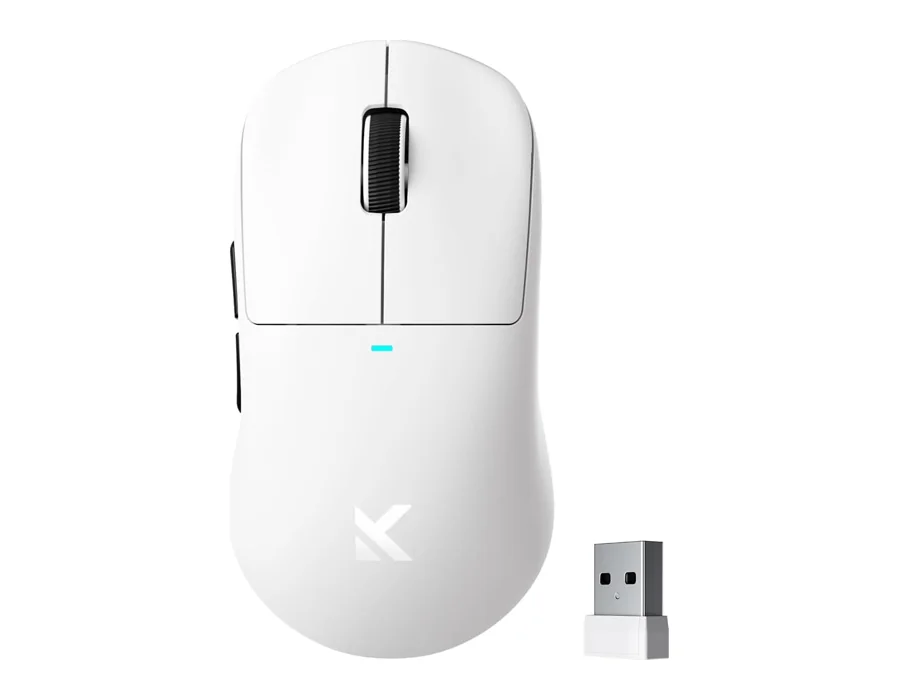
MCHOSE M7 Pro
An ergonomic wireless gaming mouse with a PAW3395 optical sensor, six programmable controls and 8K polling.
View ProductMCHOSE gaming mice combine lightweight forms, optical sensors and flexible connections for a desk that works your way. Compare the M7, M7 Pro and M7 Ultra around grip comfort, weight and sensor specifications. The M7 and M7 Pro use a PAW3395 sensor, while the M7 Ultra uses PAW3950 tracking. Six programmable controls help put everyday commands within reach, and three connection modes let you choose how to connect. Consider your hand size, preferred sensitivity and available desk space alongside headline specifications. Explore each mouse below for exact configuration details and choose the balance that feels right for your everyday play.
3 models · Explore the details
An ergonomic wireless gaming mouse with a PAW3395 optical sensor, six programmable controls and 8K polling.
View Product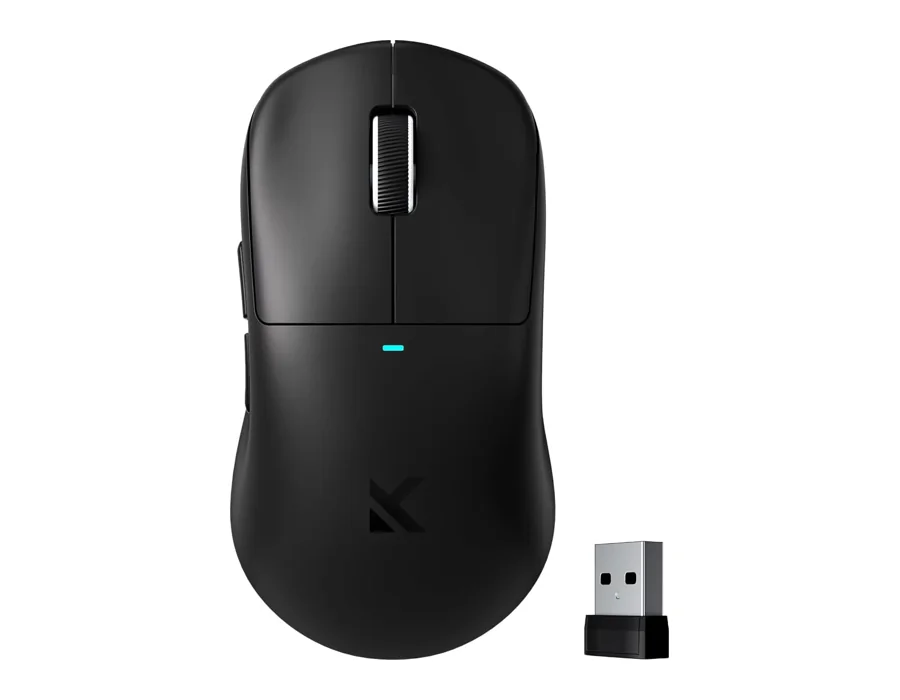
A lightweight ergonomic wireless gaming mouse with a PAW3950 optical sensor and 8K polling.
View Product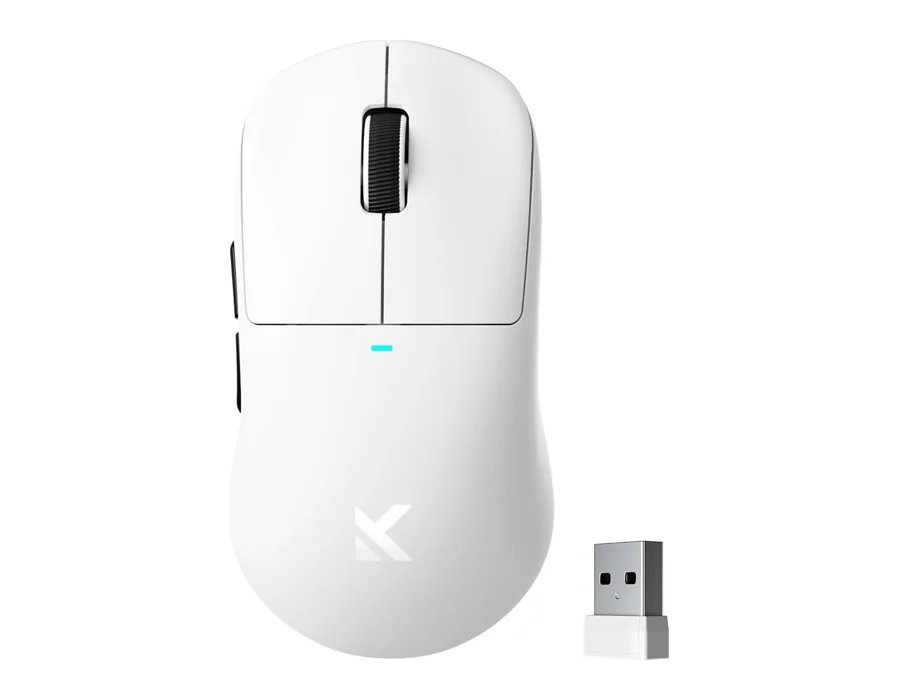
A lightweight wireless gaming mouse with a PAW3395 sensor, 26,000 DPI and six programmable controls.
View ProductThe best gaming mouse is one that fits your grip, sensitivity and connection needs. Compare our M7 family’s weight and sensor specifications, then consider your preferred shape and controls. M7 Ultra uses PAW3950 tracking; M7 and M7 Pro use PAW3395 sensors.
Both can suit gaming. Wired mode avoids battery management, while wireless mode reduces cable movement across the desk. Our M7 family supports three connection modes. Check the exact model’s supported polling settings and receiver configuration when choosing your setup.
Use a relaxed grip that keeps your wrist comfortable and lets you reach the controls without strain. Palm, claw and fingertip grips work differently for different hands. Try your usual grip and desk position before deciding whether a mouse shape suits you.
Start with shape, weight, connection modes and the controls you actually use. Then compare sensor specifications and polling support. Our M7 pages show exact model differences so you can judge those features alongside your grip and sensitivity preferences.
The M7 and M7 Ultra are specified at 53g, while M7 Pro is specified at 55g. These figures describe the models in this collection, rather than a claim about the entire market. Check the exact configuration before choosing.
Explore the details. Choose your configuration. Buy on Amazon.