
Mechanical Keyboards
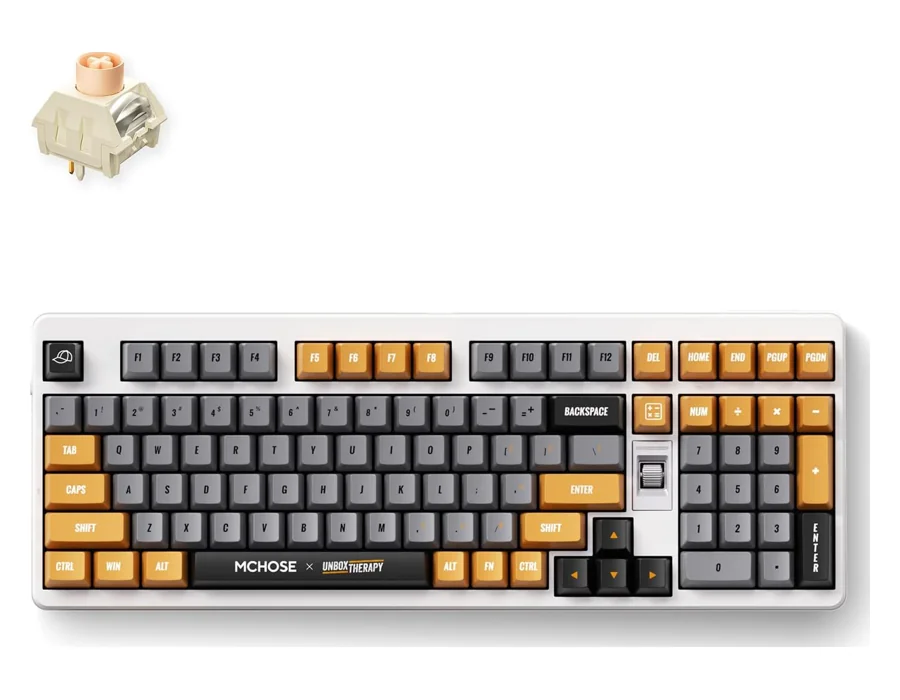
MCHOSE UT98
A compact keyboard with a distinctive control knob, tri-mode connectivity and a gasket structure.
View ProductMCHOSE mechanical keyboards bring together expressive design, customizable typing feel and practical everyday controls. Our collection includes compact 75% layouts and larger arrangements, with tri-mode connectivity on the G75 Pro, G98 Pro, X75 V2 and UT98. Choose a layout around the keys you use most, then compare switch options, keycap finishes and connection modes. Hot-swappable construction gives compatible models room to evolve with your preferences. Whether you are writing, working or playing, explore each model’s features and selected configuration before choosing. Browse the keyboards below to find the balance of desk space, typing character and visual style that fits your routine.
4 models · Explore the details
A compact keyboard with a distinctive control knob, tri-mode connectivity and a gasket structure.
View Product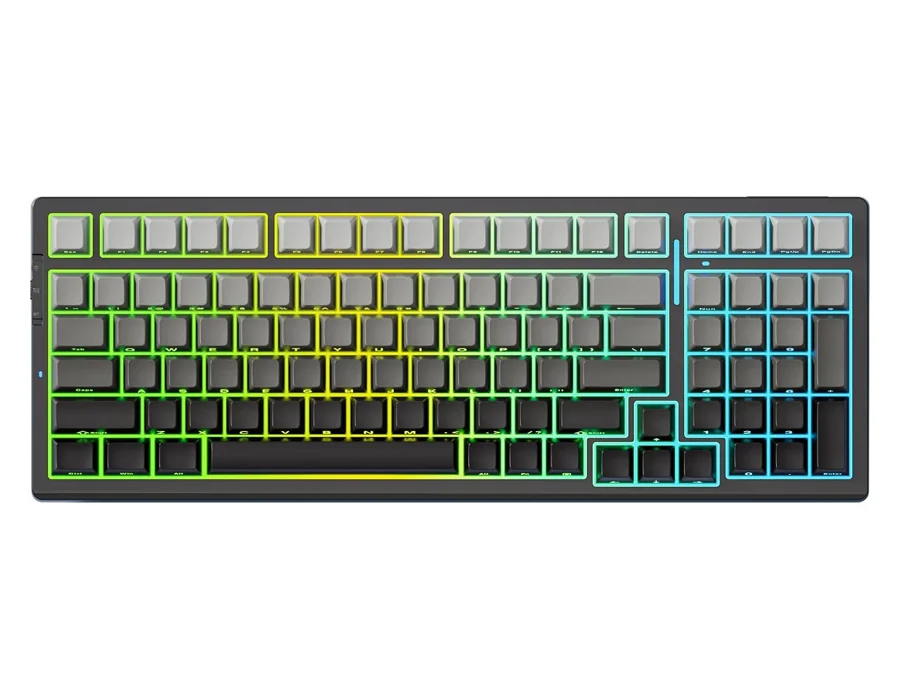
A wireless mechanical keyboard combining tri-mode connectivity, a gasket structure and pre-lubed linear switches.
View Product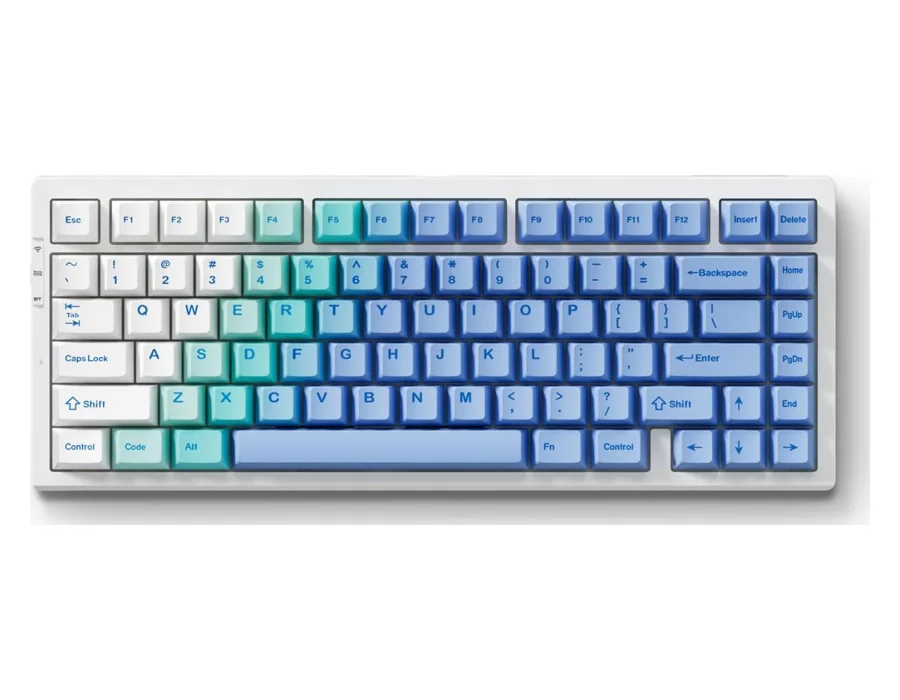
A 75% wireless mechanical keyboard with hot-swappable switches, RGB lighting and double-shot PBT keycaps.
View Product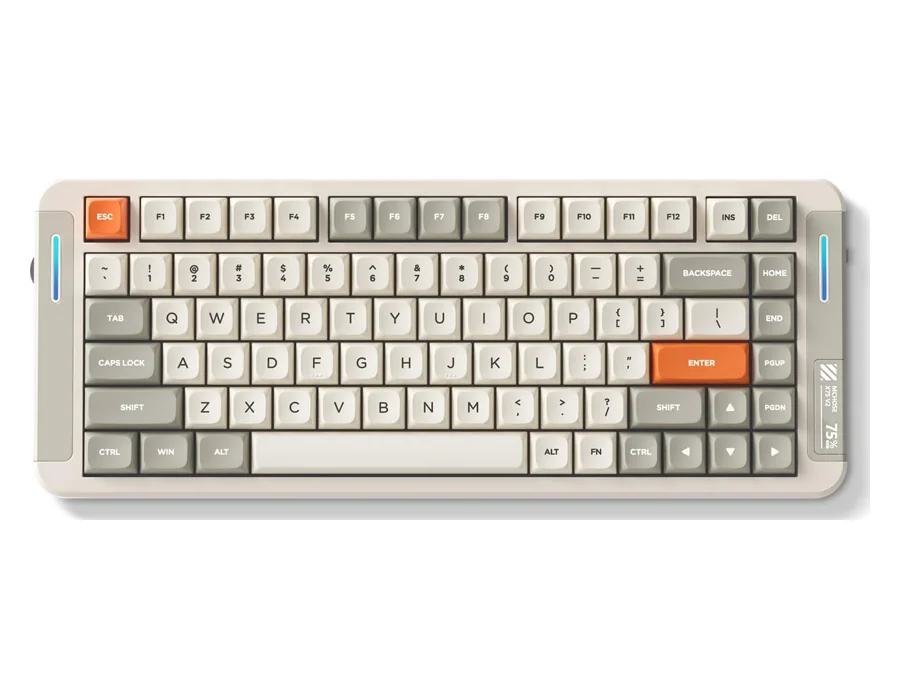
A compact wireless mechanical keyboard with a multimedia knob, hot-swappable construction and RGB lighting.
View ProductA mechanical keyboard uses individual switches beneath its keys. Switch design affects how each press feels and sounds. Our mechanical collection includes hot-swappable models, pre-lubed linear switch options and different layouts, so you can choose around your typing preferences.
The best gaming keyboard for you depends on layout, switch feel and connection preferences. Compare our G75 Pro for a 75% arrangement, X75 V2 for its multimedia knob, and UT98 or G98 Pro for a larger layout. Choose Hall Effect models if adjustable magnetic actuation is your priority.
Disconnect the keyboard before cleaning. Remove loose dust gently with a soft brush, and wipe the exterior with a soft, lightly damp cloth. Keep liquids away from switches and electronics. Check the model’s care instructions before removing keycaps or using a cleaning product.
Mechanical keyboards can suit gaming when their layout, switch feel and connection work well for you. Our tri-mode models let you choose Bluetooth, 2.4GHz or a cable. Compare the exact model’s supported features and your game’s input settings before deciding.
Browse our model pages to compare features and options, then select Buy on Amazon to continue your purchase. Choose the final configuration and confirm pricing, delivery and return terms on Amazon before ordering.
Explore the details. Choose your configuration. Buy on Amazon.